
4.6

Tools
Ratings
Downloads
Age
How would you like to continue?
Advertisement
Advertisement
Name
Category
Price
Safety
Developer
Version
==The Red Dot Award 2023 Winner==
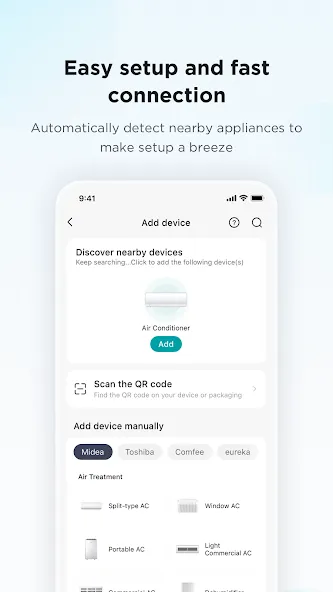
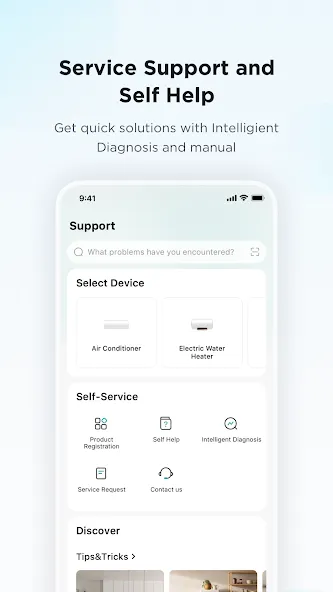
SmartHome allows you to connect, monitor, and control smart appliances from Midea, Pelonis, Comfee, Master Kitchen, Artic King, and MDV.
SmartHome replaces the MSmartHome and Midea Air apps, providing a brand-new look and improved experience.
KEY FEATURES:
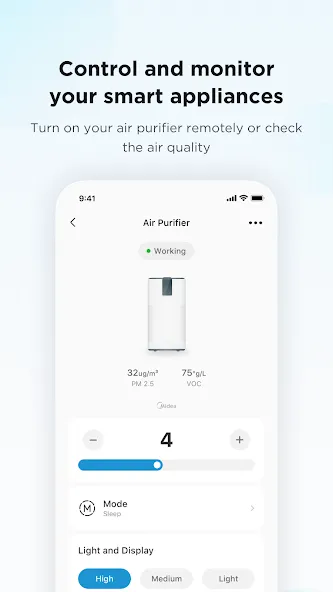
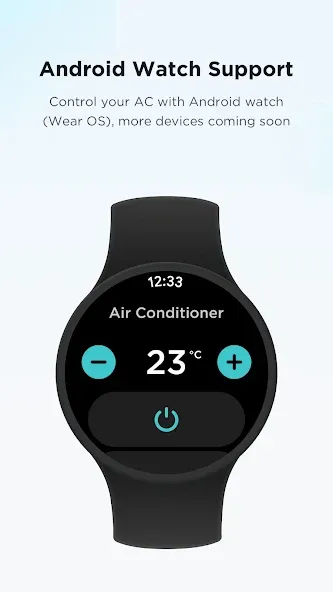
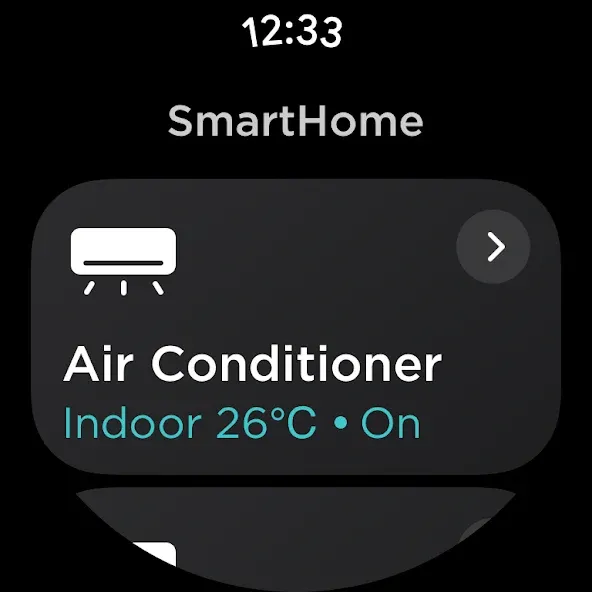
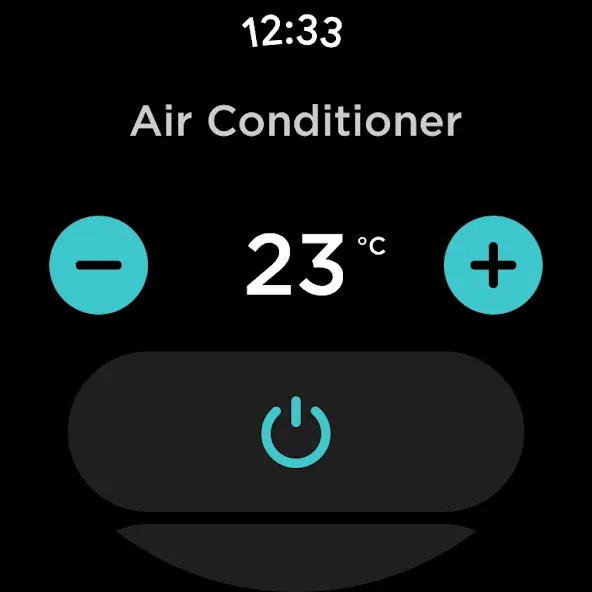
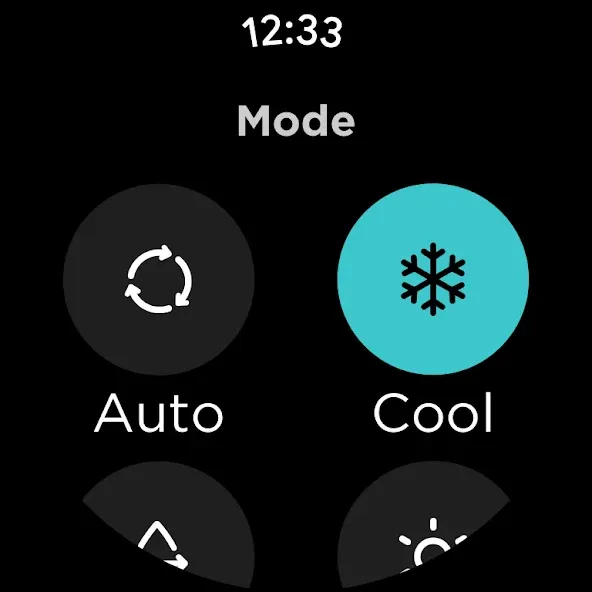
REMOTE CONTROL: Control your smart appliance anytime, from anywhere using your smart phone or watch. For example, cool down your room before you arrive home. *Make sure your watch is Wear OS 2 or above.
VOICE CONTROL: Enjoy hands-free control of select appliances with Amazon Alexa, Google Assistant, and Siri.
NOTIFICATIONS: Never miss an important update or alert from your smart appliances. Receive timely notifications to alert you that the fridge door is open, or your oven has finished cooking dinner.
APPLIANCE STATUS: Monitor your smart appliances anytime, from anywhere. Check how much time is left on your laundry cycle or when your dishwasher will have the silverware ready for dinner.
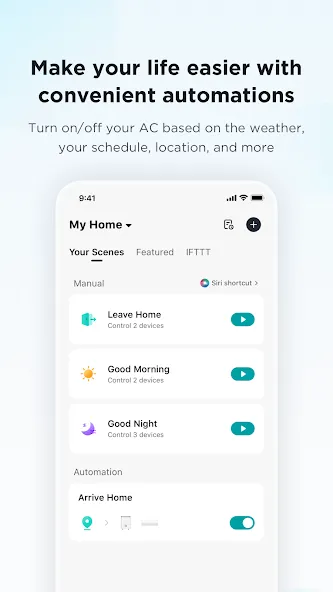
HELPFUL AUTOMATIONS: Make everyday life a little easier. Enable your air conditioner to automatically turn on when it is hot outside. Set a schedule for your dehumidifier to turn off at bedtime.
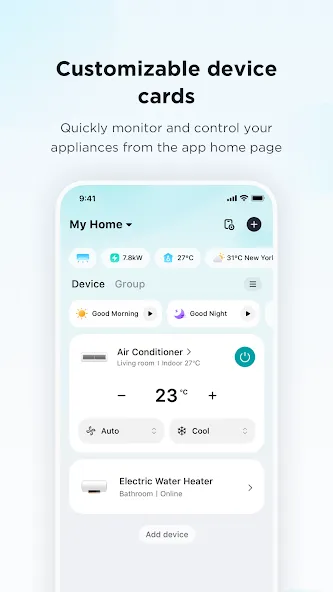
CUSTOMIZABLE DEVICE CARDS: Quick access to your most used devices and controls from the app home page.
SmartHome supports home appliances including air conditioners, vacuum cleaners, dehumidifiers, fans, ovens, washers & dryers, dishwashers, and more.
Access Permissions:
The following access permissions are required for the SmartHome (formerly MSmartHome) app to provide necessary services. If you do not allow them, you can still use the app except for the related services.
- Bluetooth: Find and connect to nearby devices via Bluetooth or BLE.
- Location: Detect home WLAN network information to add device. Check your location to automate actions when location changes. Search for local weather information in “Scene” function.
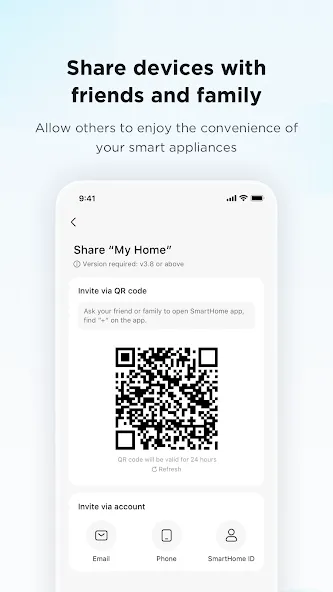
- Camera: Scan QR codes to add device. Upload photo to report a repair or feedback.
- Album: Scan saved QR codes. Edit your profile photo. Upload a photo to report a repair or feedback.
※The availability of products and services may vary depending on the models you own or the region/country you reside in.
1. General Information The information provided by MoboReview ("we," "us," or "our") on moboreview.com is for general informational and educational purposes only. All information on the Site is provided in good faith, however, we make no representation or warranty of any kind, express or implied, regarding the accuracy, adequacy, validity, reliability, availability, or completeness of any information on the Site.
2. Affiliate Disclosure (FTC Compliance) MoboReview believes in transparency. Some of the links on our website may be affiliate links. This means that if you click on the link and download or purchase an app or product, we may receive a small commission at no extra cost to you. This helps keep our website running. Regardless of affiliate relationships, we only recommend apps and services that we genuinely believe will add value to our readers.
3. Editorial Independence & Sponsored Content From time to time, we may receive free access to premium apps, software, or promotional items from developers in exchange for a review. We may also occasionally publish sponsored content. However, compensation never dictates our editorial content. All reviews, opinions, and ratings expressed on MoboReview are strictly our own and are based on hands-on testing and objective analysis.
4. App Changes and Accuracy The tech world moves fast. While we strive to keep our reviews as accurate and up-to-date as possible, app developers frequently update features, change pricing models (e.g., switching from free to subscription), or remove apps from the app stores altogether. MoboReview is not responsible for any discrepancies between our review and the current state of an app. We highly encourage you to verify the app’s features, pricing, and compatibility on the official App Store or Google Play Store before downloading or purchasing.
5. External Links Disclaimer The Site may contain links to other websites or content belonging to or originating from third parties. Such external links are not investigated, monitored, or checked for accuracy, adequacy, validity, reliability, availability, or completeness by us. We do not warrant, endorse, guarantee, or assume responsibility for the accuracy or reliability of any information offered by third-party websites linked through the site.

Productivity

Communication

Social

Photography

Communication

Photography

Arcade

Action

Adventure

Casual

Action

Action
Welcome to MoboReview, an independent mobile app discovery and review platform.
We provide editorial content, app reviews, feature summaries, comparisons, and recommendations to help users discover useful mobile applications and games. Our goal is to make it easier for users to understand different apps, explore their features, and find applications that match their interests and needs.
MoboReview does not develop, distribute, or host mobile applications. We are not an app marketplace and we do not provide direct downloads of applications. When users choose to install an app, they are redirected to official third-party platforms, such as Google Play Store or Apple App Store, where downloads, installations, and related services are handled by the respective app developers and platform providers.
Our content is created for informational and educational purposes. We review and organize publicly available information about mobile applications, including app features, user experiences, functionality, and general usage information.
We aim to provide transparent, helpful, and independent content for mobile users around the world.