
4.0
Productivity
Ratings
Downloads
Age
How would you like to continue?
Advertisement
Advertisement
Name
Category
Price
Safety
Developer
Version
Update : Whiteboard is now available for personal (Microsoft) accounts & there are also a ton of other features which you can check out in the “What’s new” section!!
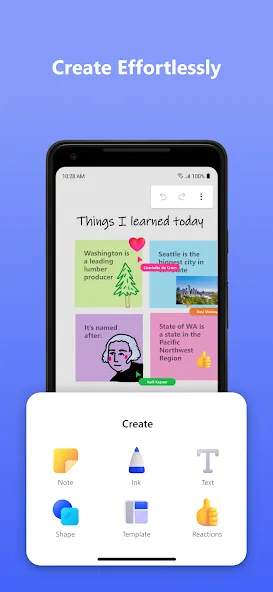
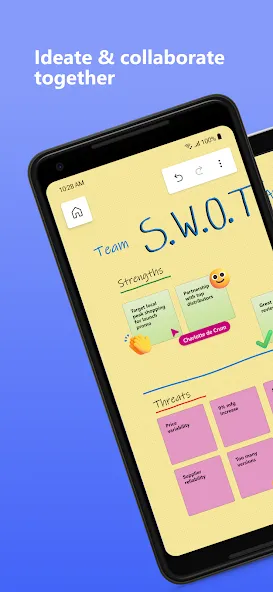
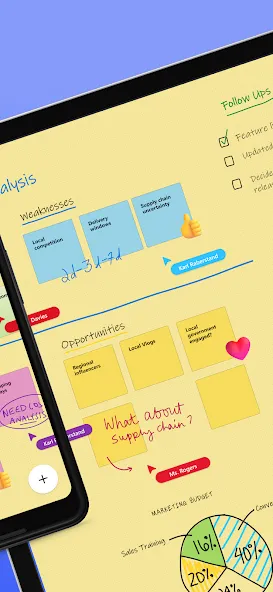
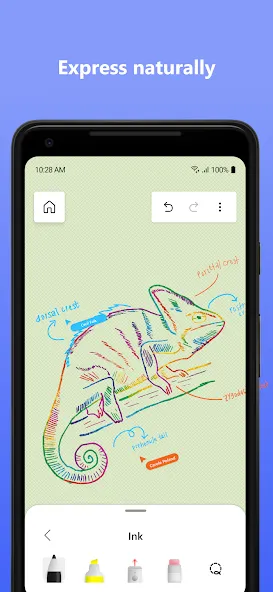
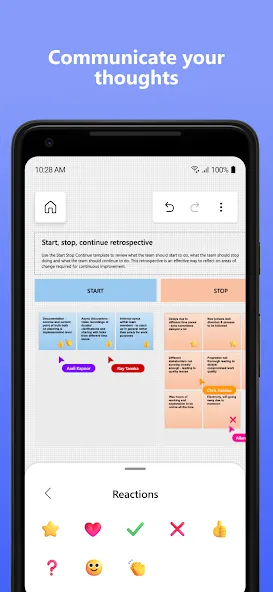
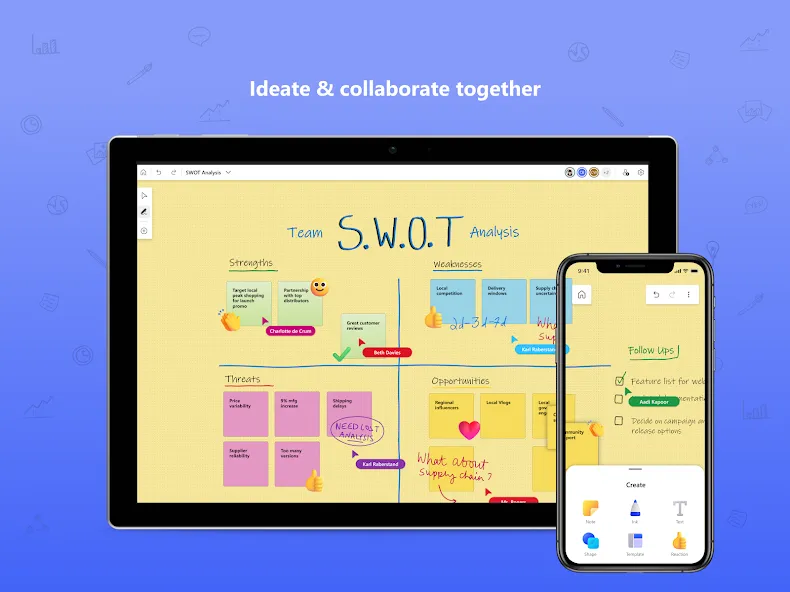
Microsoft Whiteboard provides a freeform intelligent canvas where individuals & teams alike can ideate, create, and collaborate visually via the cloud. Designed for touch, type & pen, it lets you write or draw as smoothly as you would with ink, you can even type in text, add sticky notes or notes grid to express your ideas & use reactions to visually communicate your thoughts. It enhances teamwork by allowing all team members to edit the canvas in real time, no matter where they are. Get started quickly by inserting a pre-built template or draw your own flowchart using our expansive shapes library. No matter what your use case, we have the right set of tools for you and all your work stays safe in the cloud, ready to be picked back up from another location or device.
– Create freely, work naturally –
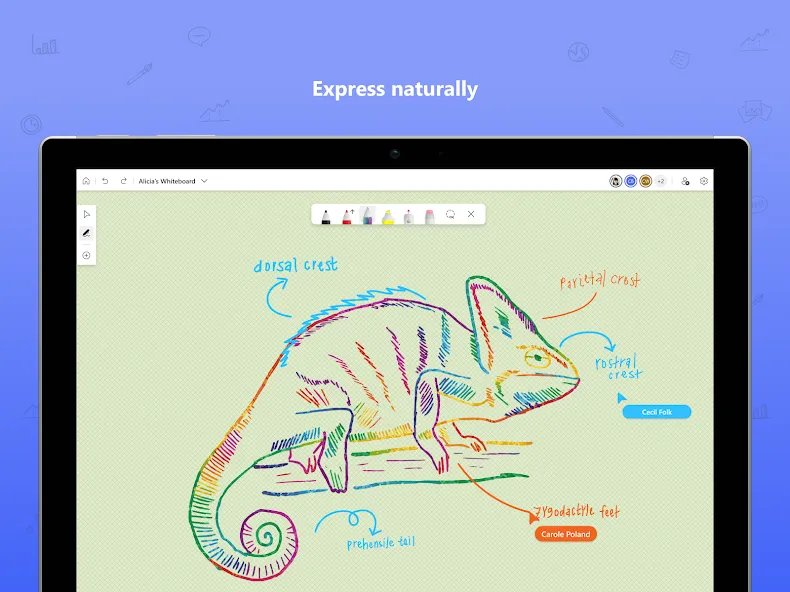
Microsoft Whiteboard provides an infinite canvas where imagination has room to grow: draw, type, add a sticky note or a notes grid, move them around – it’s all possible. The touch-first, interface frees your ideas from the keyboard, and the intelligent inking technology transforms your doodles into great-looking shapes and lines that can be copied, pasted and combined with other objects.
–Collaborate in real time, wherever you are—
Microsoft Whiteboard brings every member of a team together working from their own devices across the globe. On the Whiteboard canvas, you can also see what your teammates are doing in real time and start collaborating on the same area. It’s about getting everyone on the same page – or board.
–Save automatically, resume seamlessly –
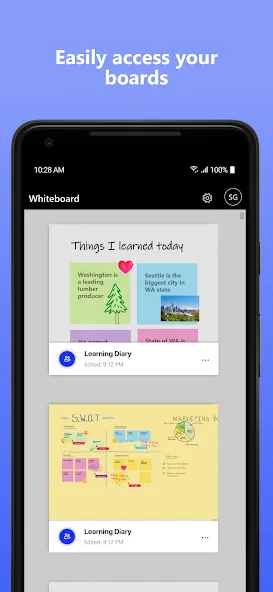
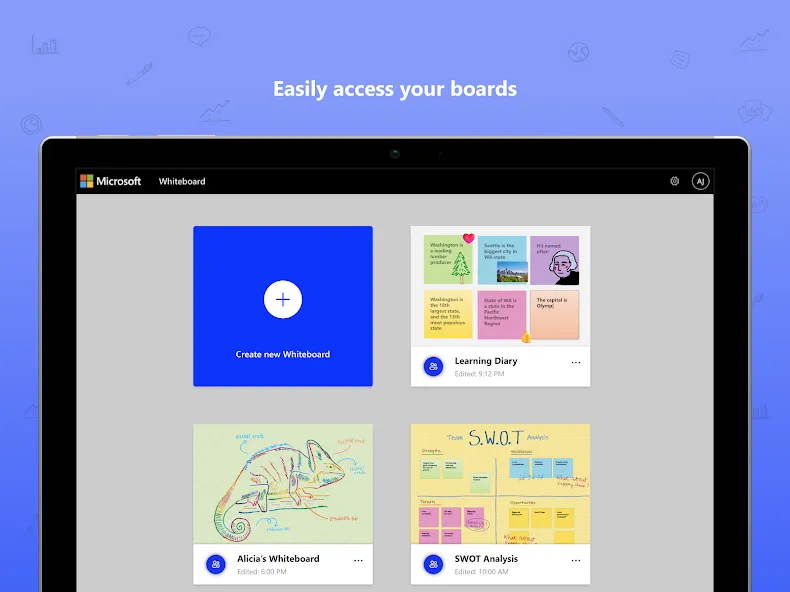
Forget having to take photos of your whiteboards, or marking them with “Do Not Erase.” With Microsoft Whiteboard, your brainstorming sessions are saved automatically to the Microsoft cloud, so you can pick up where you left off, whenever – and wherever – inspiration strikes next.
What’s new:
• Users can now log in using their personal (Microsoft) accounts which has been a strong customer ask since we launched the Android Preview App
• Modern look and feel:
1. Streamlined user experience - an unobtrusive app UI maximizes your canvas space.
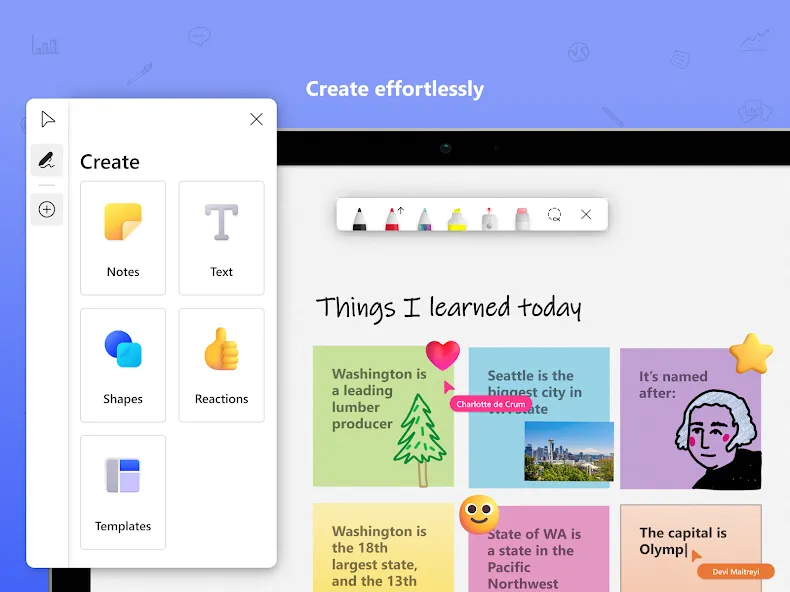
2. Creation gallery - a highly discoverable, simple way of finding and using objects and features in the application.
• Interactive content features:
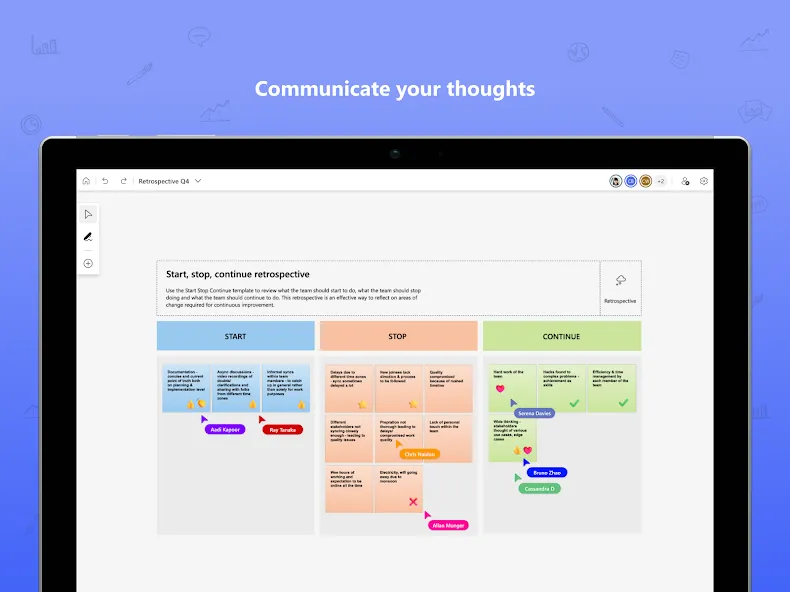
3. 40+ customizable templates – get started quickly and collaborate, brainstorm, and ideate with brand new templates.
4. Reactions - provide lightweight, contextual feedback with a set of fun reactions.
• Facilitation features:
5. Copy/paste – copy and paste content and text within the same whiteboard.
6. Object alignment – use alignment lines and object snapping to precisely organize content spatially.
7. Format background – personalize your whiteboard by changing the background color and pattern .
• Inking features:
8. Ink arrows – smoothly draw single and double-sided arrows using ink to better facilitate diagramming.
9. Ink effect pens – express yourself in a creative way using rainbow and galaxy ink.
Dichiarazione di accessibilità: https://www.microsoft.com/it-it/accessibility/declarations
1. General Information The information provided by MoboReview ("we," "us," or "our") on moboreview.com is for general informational and educational purposes only. All information on the Site is provided in good faith, however, we make no representation or warranty of any kind, express or implied, regarding the accuracy, adequacy, validity, reliability, availability, or completeness of any information on the Site.
2. Affiliate Disclosure (FTC Compliance) MoboReview believes in transparency. Some of the links on our website may be affiliate links. This means that if you click on the link and download or purchase an app or product, we may receive a small commission at no extra cost to you. This helps keep our website running. Regardless of affiliate relationships, we only recommend apps and services that we genuinely believe will add value to our readers.
3. Editorial Independence & Sponsored Content From time to time, we may receive free access to premium apps, software, or promotional items from developers in exchange for a review. We may also occasionally publish sponsored content. However, compensation never dictates our editorial content. All reviews, opinions, and ratings expressed on MoboReview are strictly our own and are based on hands-on testing and objective analysis.
4. App Changes and Accuracy The tech world moves fast. While we strive to keep our reviews as accurate and up-to-date as possible, app developers frequently update features, change pricing models (e.g., switching from free to subscription), or remove apps from the app stores altogether. MoboReview is not responsible for any discrepancies between our review and the current state of an app. We highly encourage you to verify the app’s features, pricing, and compatibility on the official App Store or Google Play Store before downloading or purchasing.
5. External Links Disclaimer The Site may contain links to other websites or content belonging to or originating from third parties. Such external links are not investigated, monitored, or checked for accuracy, adequacy, validity, reliability, availability, or completeness by us. We do not warrant, endorse, guarantee, or assume responsibility for the accuracy or reliability of any information offered by third-party websites linked through the site.

Productivity

Communication

Social

Photography

Communication

Photography

Arcade

Action

Adventure

Casual

Action

Action
Welcome to MoboReview, an independent mobile app discovery and review platform.
We provide editorial content, app reviews, feature summaries, comparisons, and recommendations to help users discover useful mobile applications and games. Our goal is to make it easier for users to understand different apps, explore their features, and find applications that match their interests and needs.
MoboReview does not develop, distribute, or host mobile applications. We are not an app marketplace and we do not provide direct downloads of applications. When users choose to install an app, they are redirected to official third-party platforms, such as Google Play Store or Apple App Store, where downloads, installations, and related services are handled by the respective app developers and platform providers.
Our content is created for informational and educational purposes. We review and organize publicly available information about mobile applications, including app features, user experiences, functionality, and general usage information.
We aim to provide transparent, helpful, and independent content for mobile users around the world.