
4.6

Productivity
Ratings
Downloads
Age
How would you like to continue?
Advertisement




Advertisement
Name
Category
Price
Safety
Developer
Version
Be Simple! Make everything easier.
The following features are all in one app, Just a floating Button.
fooView - Float Viewer is a magic floating button. It’s simple because it has only a button, to fulfill 1000+ features. Everything in a floating window, this means you can use it anywhere, when you’re using other apps.
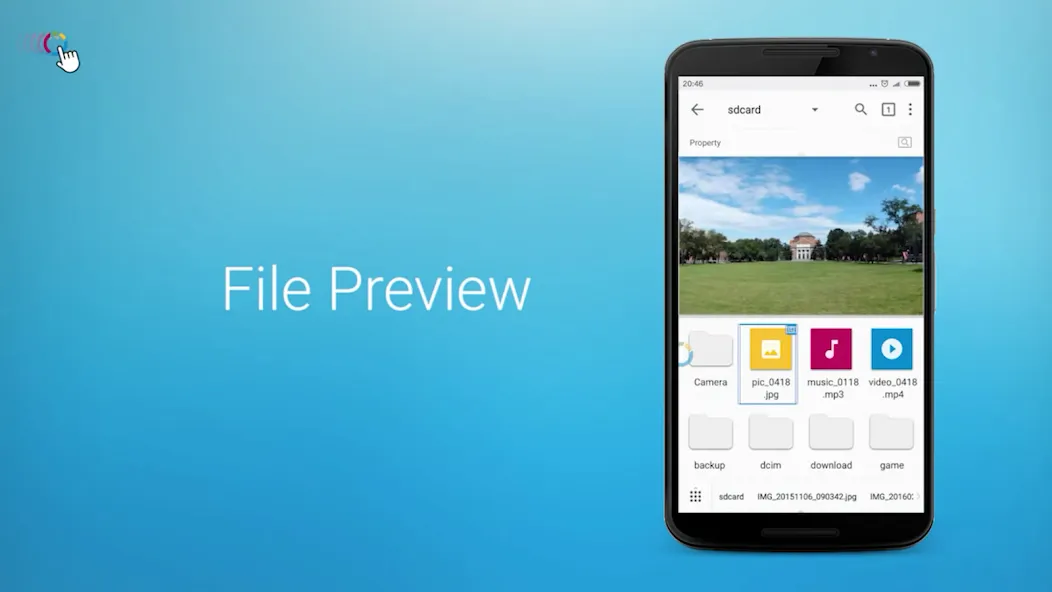
It works as a floating manager, a full featured file manager in a floating window, whether on local phone, local network or a net drive such as Google Drive. It supports many protocols, such as Samba, FTP, Webdav, Google Drive, Baidu Cloud, OneDrive, Yandex,… You can, For Example, play a video from your comptuer on local network.
It works as a full featured app manager in a floating window, a disk analysis, …
It works as Note viewer and editor, Music player and editor, Image viewer and editor, Video player and editor, all floating, that means, you can open most things, edit and then share them, without leaving your current app.
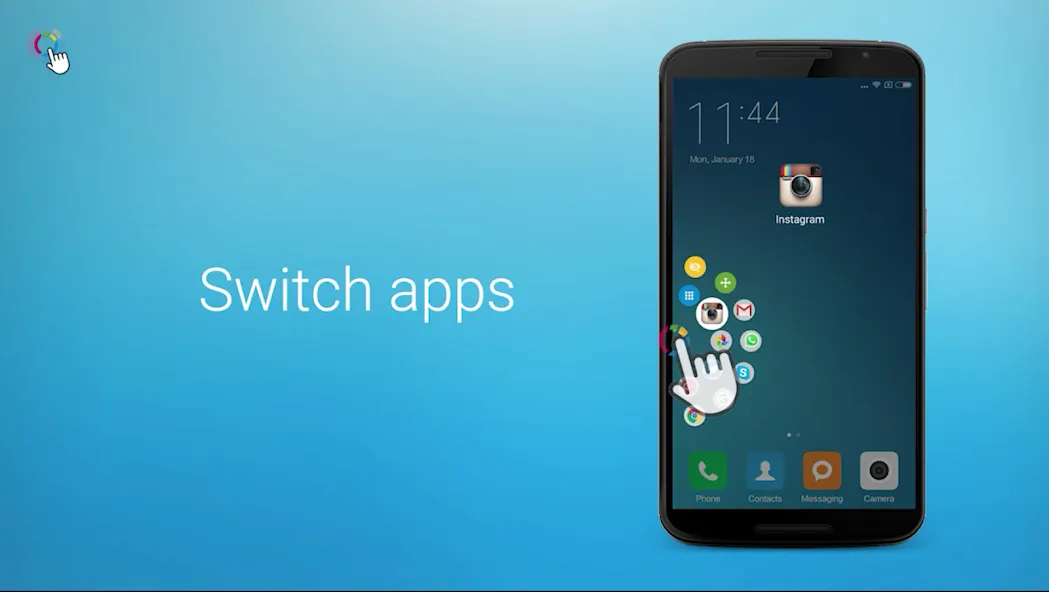
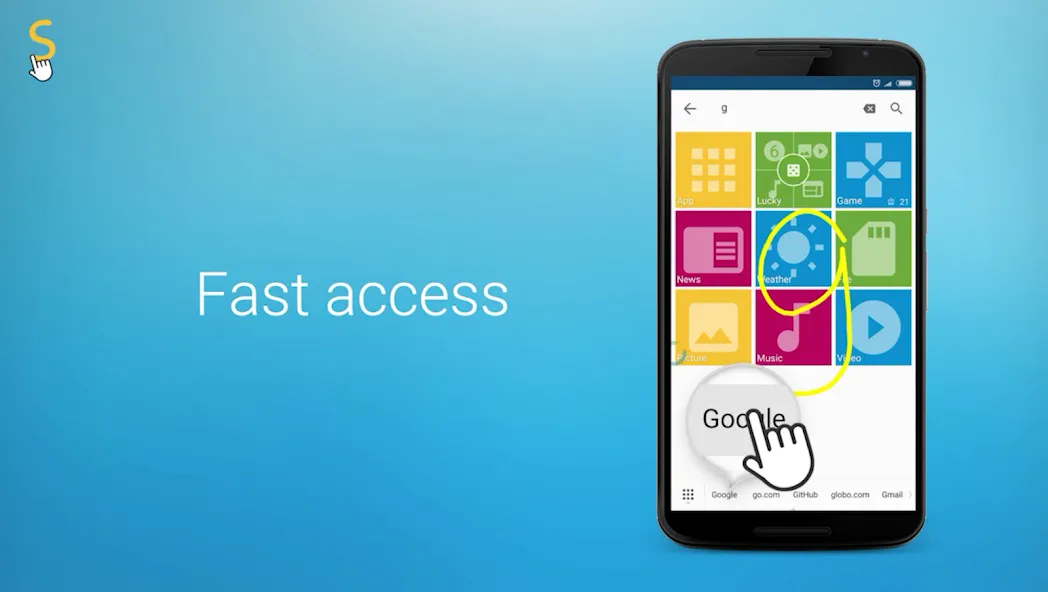
It works as an app launcher that lets you press and start apps everywhere, including handwriting gestures.
It works as a gesture app, allowing you get texts quickly, take regional /multiple screenshots quickly, record the screen quickly, all with a simple gesture. Such as
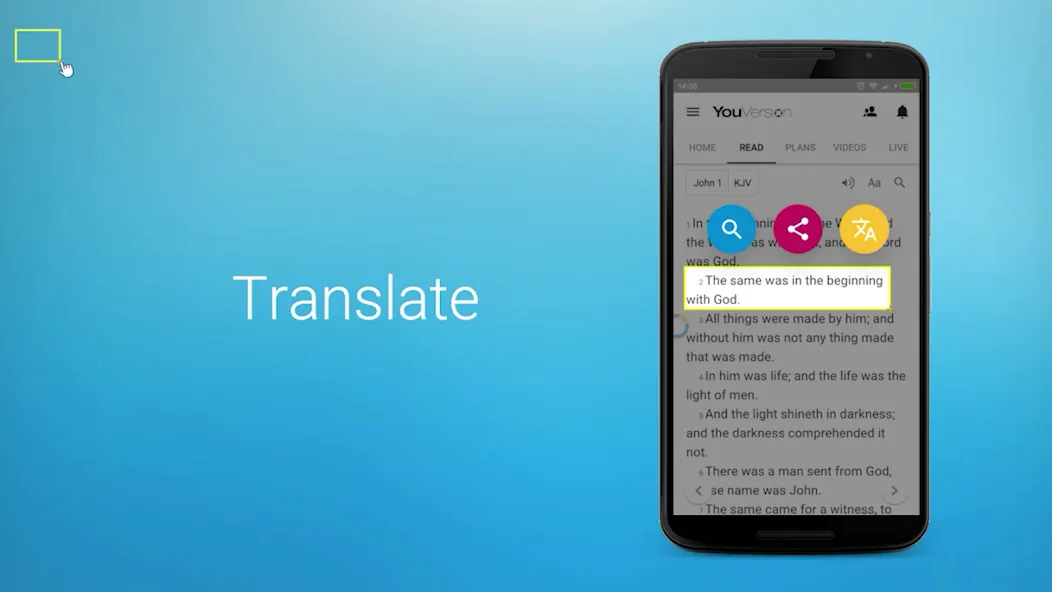
-Crop a word to translate, save, share to your messenger.
-Crop an image such as in games to screenshot, search, and share to social network or photos community…
-Crop an address to check how to route in maps.
-Swipe for Back, Swipe long for Home, Swipe up to Floating Window, Swipe down to Recent List/Notification.
It works as a shortcut/task automation tool. Task is a quick way to get one or more tasks done with your apps, with putting inbuilt actions together to complete your job automatically. For example, notify you drink every two hours.
It works as a floating browser and multi-thread downloader, allowing you, for example, to watch a video while searching something on the web at the same time.there’s 50+ inbuilt search engines, Such as Google, Bing, Duckduckgo, weChat, Yandex, Baidu, Twitter, Netflix, etc.
It works as a/many floating window(s) with desired size . Such as, you can put 3 windows when you’re using other apps. One for playing video, one for searching information, one for editting note.
It works as an automatic helper, you can recognize texts from a picture, you can use voice to get texts or start actions.
Many features are not mentioned, such as Clipboard, Remote Manager, Themes, Barcode… Find them by yourself.
In all, fooView will utilize the internal power of your smart phones, using AI techniques, save 80% of your operations, let everything be simple.
More features are in the development, mail to us(feedback@fooview.com).
Special Note
When you set gesture for locking screen or grant the device administrator permission from settings manually to avoid this app being killed by the system, this app uses the device administration API, and you need disable the permission before uninstallation. It’s required by the system.
Accessibility
How fooView help the disabled users with Accessibility Services?
For normal users, fooView provides a series of useful gestures to improve productivities. For visually impaired users, you can select words or images from the screen using fooView and enlarge it for a better readability. For physical disabilities, fooView provides powerful single hand features, you can use one hand to operate the phone, switch apps easily, replacing the navigation hard keys hard keys that are hard to control with one hand.
Permission
Why fooView ask Read_Phone_State permission?
This permission is usually for reading IMEI code for your device by many apps. But fooView won’t read IMEI. It uses this permission to judge the phone in call state, so that when the call is incoming, fooView will stop music play and minimize the floating window to avoid overlapping.
1. General Information The information provided by MoboReview ("we," "us," or "our") on moboreview.com is for general informational and educational purposes only. All information on the Site is provided in good faith, however, we make no representation or warranty of any kind, express or implied, regarding the accuracy, adequacy, validity, reliability, availability, or completeness of any information on the Site.
2. Affiliate Disclosure (FTC Compliance) MoboReview believes in transparency. Some of the links on our website may be affiliate links. This means that if you click on the link and download or purchase an app or product, we may receive a small commission at no extra cost to you. This helps keep our website running. Regardless of affiliate relationships, we only recommend apps and services that we genuinely believe will add value to our readers.
3. Editorial Independence & Sponsored Content From time to time, we may receive free access to premium apps, software, or promotional items from developers in exchange for a review. We may also occasionally publish sponsored content. However, compensation never dictates our editorial content. All reviews, opinions, and ratings expressed on MoboReview are strictly our own and are based on hands-on testing and objective analysis.
4. App Changes and Accuracy The tech world moves fast. While we strive to keep our reviews as accurate and up-to-date as possible, app developers frequently update features, change pricing models (e.g., switching from free to subscription), or remove apps from the app stores altogether. MoboReview is not responsible for any discrepancies between our review and the current state of an app. We highly encourage you to verify the app’s features, pricing, and compatibility on the official App Store or Google Play Store before downloading or purchasing.
5. External Links Disclaimer The Site may contain links to other websites or content belonging to or originating from third parties. Such external links are not investigated, monitored, or checked for accuracy, adequacy, validity, reliability, availability, or completeness by us. We do not warrant, endorse, guarantee, or assume responsibility for the accuracy or reliability of any information offered by third-party websites linked through the site.

Communication

Productivity

Social

Photography

Communication

Photography

Action

Arcade

Adventure

Casual

Action

Action
Welcome to MoboReview, an independent mobile app discovery and review platform.
We provide editorial content, app reviews, feature summaries, comparisons, and recommendations to help users discover useful mobile applications and games. Our goal is to make it easier for users to understand different apps, explore their features, and find applications that match their interests and needs.
MoboReview does not develop, distribute, or host mobile applications. We are not an app marketplace and we do not provide direct downloads of applications. When users choose to install an app, they are redirected to official third-party platforms, such as Google Play Store or Apple App Store, where downloads, installations, and related services are handled by the respective app developers and platform providers.
Our content is created for informational and educational purposes. We review and organize publicly available information about mobile applications, including app features, user experiences, functionality, and general usage information.
We aim to provide transparent, helpful, and independent content for mobile users around the world.